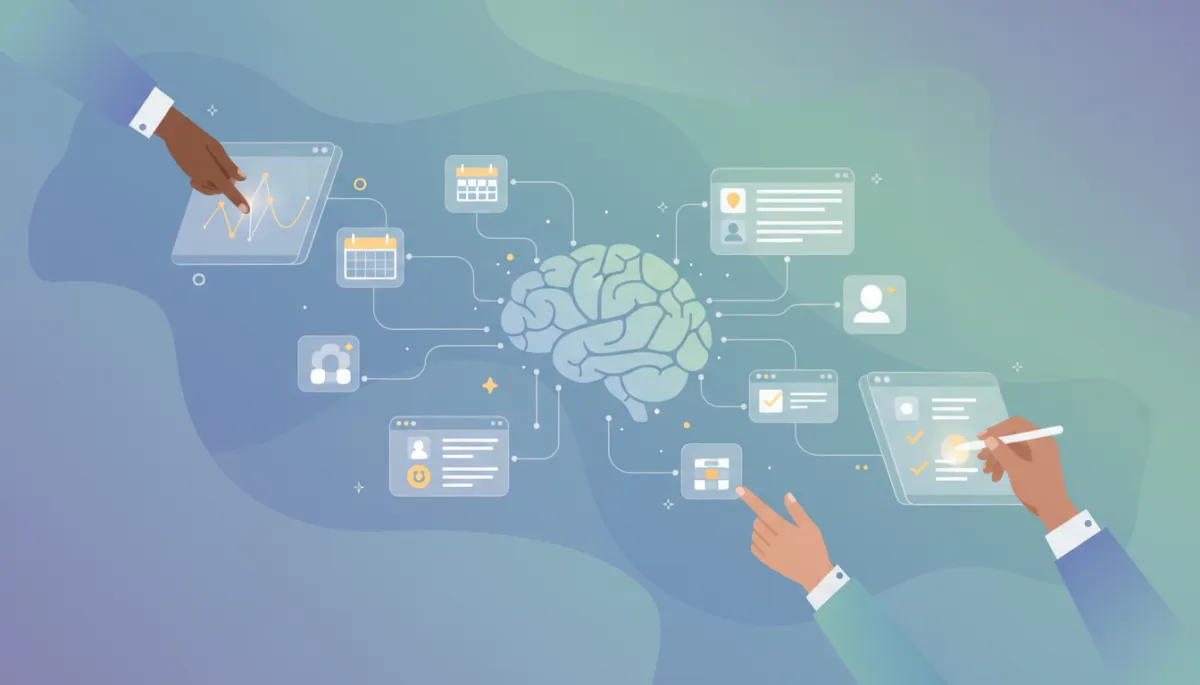
Top Apps for ADHD: Boost Focus & Productivity
Health & Wellness, ADHD, Productivity Apps
Apps That Help With ADHD: Digital Tools To Support Your Everyday Life
Living with ADHD can make even simple tasks feel overwhelming, but the right apps can turn your phone into a powerful support system. Here’s a guide to consumer-friendly tools that can help you stay organized, focused, and kinder to yourself.
Why ADHD-Friendly Apps Can Make A Real Difference
ADHD isn’t about laziness or lack of willpower. It affects how your brain manages attention, time, and motivation. Many people with ADHD struggle with: starting tasks, remembering details, staying organized, and switching between responsibilities. The right apps are designed to work with your brain, not against it, by breaking things down, reminding you at the right moment, and reducing the mental load of planning everything yourself.
While no app replaces professional treatment, these tools can be powerful companions to therapy, coaching, or medication. They are especially useful for individuals and consumers who want practical, everyday support without complicated setups or corporate-style systems.
Task & To‑Do Apps That Break Things Down For You
Many people with ADHD find traditional to‑do lists overwhelming. A long list of tasks can trigger anxiety and avoidance. ADHD-friendly task apps focus on small, clear steps and visual structure instead of endless checklists.
Structured to‑do apps (like Todoist, TickTick, or Microsoft To Do) let you break big projects into tiny subtasks, set gentle reminders, and group tasks by context (home, work, errands). This helps your brain see “email Alex” instead of the vague “sort out that project.”
Visual boards (such as Trello or Notion templates) can be helpful if you think in pictures. You can drag tasks between “Today,” “This Week,” and “Later,” which feels more intuitive than a static list.
💡 Pro Tip: When you add a task, immediately ask, “What is the first tiny step?” and write that instead. The easier the first step, the more likely you are to start.
Time Management & Focus: Timers, Routines, And Body Doubling
Time blindness is a common ADHD experience—30 minutes can feel like 5, or a whole afternoon can vanish in a scroll. Time-management apps make time more visible and help you get started without relying on “feeling motivated.”
Pomodoro and focus timer apps (like Forest, Focus To‑Do, or Be Focused) use short sprints—often 25 minutes of work followed by a break. This structure can reduce dread and make tasks feel more manageable. Many let you block distracting apps during a focus session, which is especially useful if you tend to drift toward social media or games.
Routine and habit apps (such as Routinery, Habitica, or Streaks) turn daily habits into checklists or even simple games. For ADHD brains, external structure is often more reliable than “I’ll just remember.” Morning and evening routines, medication reminders, and cleaning checklists can all live here.
Virtual body‑doubling platforms (including apps and websites that host live focus sessions) tap into a simple idea: working “alongside” others, even online, can make it easier to start and keep going. You log in, state your goal in the chat, and work quietly while others do the same.
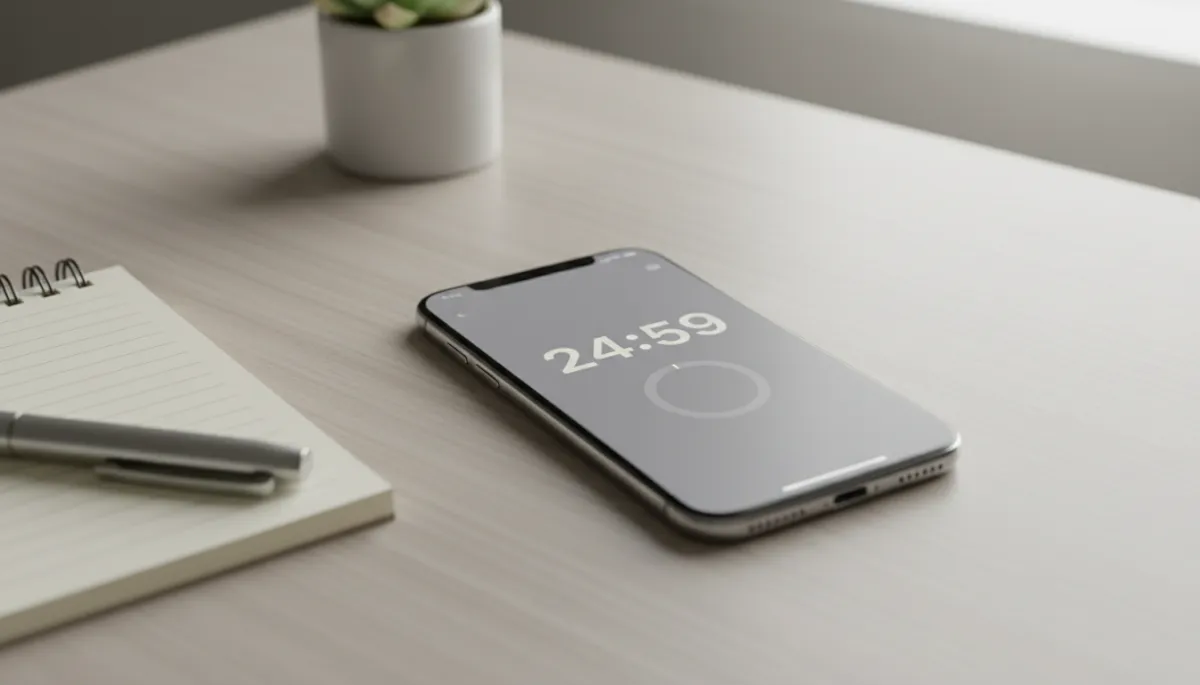
Short, timed focus sessions can make overwhelming tasks feel genuinely doable.
Note‑Taking & “Second Brain” Apps For Forgetfulness
ADHD can make it hard to hold ideas in your head long enough to act on them. That’s where “second brain” apps—digital places to quickly capture thoughts—can be life‑saving. The goal is simple: get it out of your head and into a trusted system.
Quick‑capture note apps (Apple Notes, Google Keep, Evernote) let you jot down ideas, photos, voice memos, or links in seconds. Many people with ADHD keep a single “inbox” note—a running list they sort later when they have more focus.
Organized knowledge apps (like Notion or OneNote) are helpful if you want to build a more structured system over time: sections for work, home, health, and personal projects, all in one place.
📌 Key Takeaway: The “best” app is the one you actually use. Start simple—one notes app, one task app, one timer—before trying anything more complex.
Mental Health, Self‑Compassion, And ADHD‑Specific Support
Living with ADHD often comes with years of feeling “behind,” being called lazy, or struggling with shame. Apps that focus on mental health can help you build self‑compassion and better understand how your brain works.
Meditation and mindfulness apps (like Headspace, Calm, or Balance) offer short, guided sessions designed for busy minds. Even three minutes of breathing can help you reset after a frustrating task or a bout of hyperfocus.
ADHD‑specific education apps and communities provide bite‑sized lessons, coping strategies, and forums where you can hear from others who think like you. Knowing you’re not alone can be just as powerful as any productivity tool.
Choosing The Right ADHD Apps For You
With so many options, it’s easy to get stuck in “app shopping” instead of actually using anything. To keep things practical, ask yourself:
What is my biggest pain point right now? Starting tasks? Forgetting appointments? Losing ideas? Choose one problem and pick one app that directly addresses it.
How much complexity can I realistically handle? If you’re already overwhelmed, aim for the simplest possible tool, even if it’s not “perfect.”
Will this app reduce friction or add it? If it takes ten taps to add a task, you probably won’t stick with it. Look for quick‑add buttons, widgets, or voice input.
Final Thoughts: Your Phone As A Partner, Not A Distraction
For individuals living with ADHD, apps are not about “fixing” you—they’re about building a world that fits the way your brain already works. With a few thoughtfully chosen tools, your phone can shift from constant distraction to steady support: reminding you gently, breaking tasks into bite‑sized pieces, and helping you feel more in control of your day.
Start small. Pick one app that feels approachable, give yourself time to experiment, and remember that changing how you organize your life is a process. ADHD may shape how you experience the world, but with the right digital tools, it doesn’t have to define what you’re capable of.
